Use the free plan to prove one complete path: landing page → form or order step → follow-up email. Keep the first workflow simple and confirm the current automation allowance in your account; the supplied capture is not a guarantee of today’s limits.
Best for: A solo operator validating a small offer, lead magnet, or course funnel.
Think twice if: You need to migrate a complex production stack or handle live payments without a full test plan.
Key limit: This walkthrough intentionally stops before payment setup, sending to real contacts, or publishing a live domain.
The supplied screen shows one Free automation rule and paid-plan funnel caps. The current official pricing FAQ instead describes unlimited funnels on paid plans and does not confirm that automation-rule limit. Treat the captured allowances below as a dated record, not confirmed current restrictions. Check the official plan details before upgrading for a limit.
1. Define one outcome and create its funnel steps
Choose a single outcome, such as collecting a permissioned lead or explaining one product. Create only the steps needed for that route.
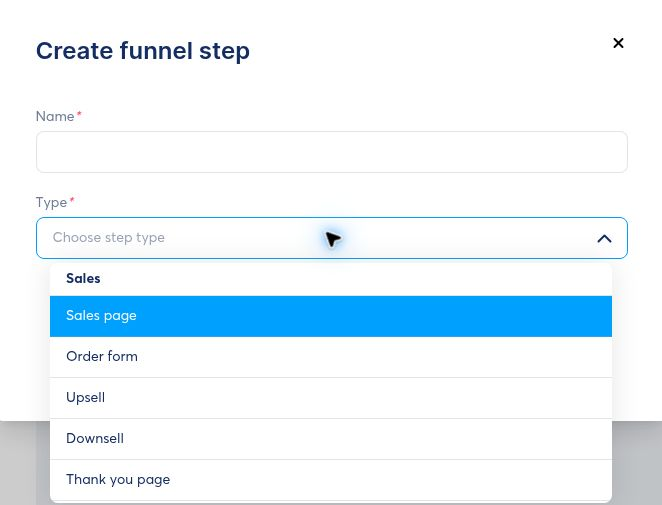
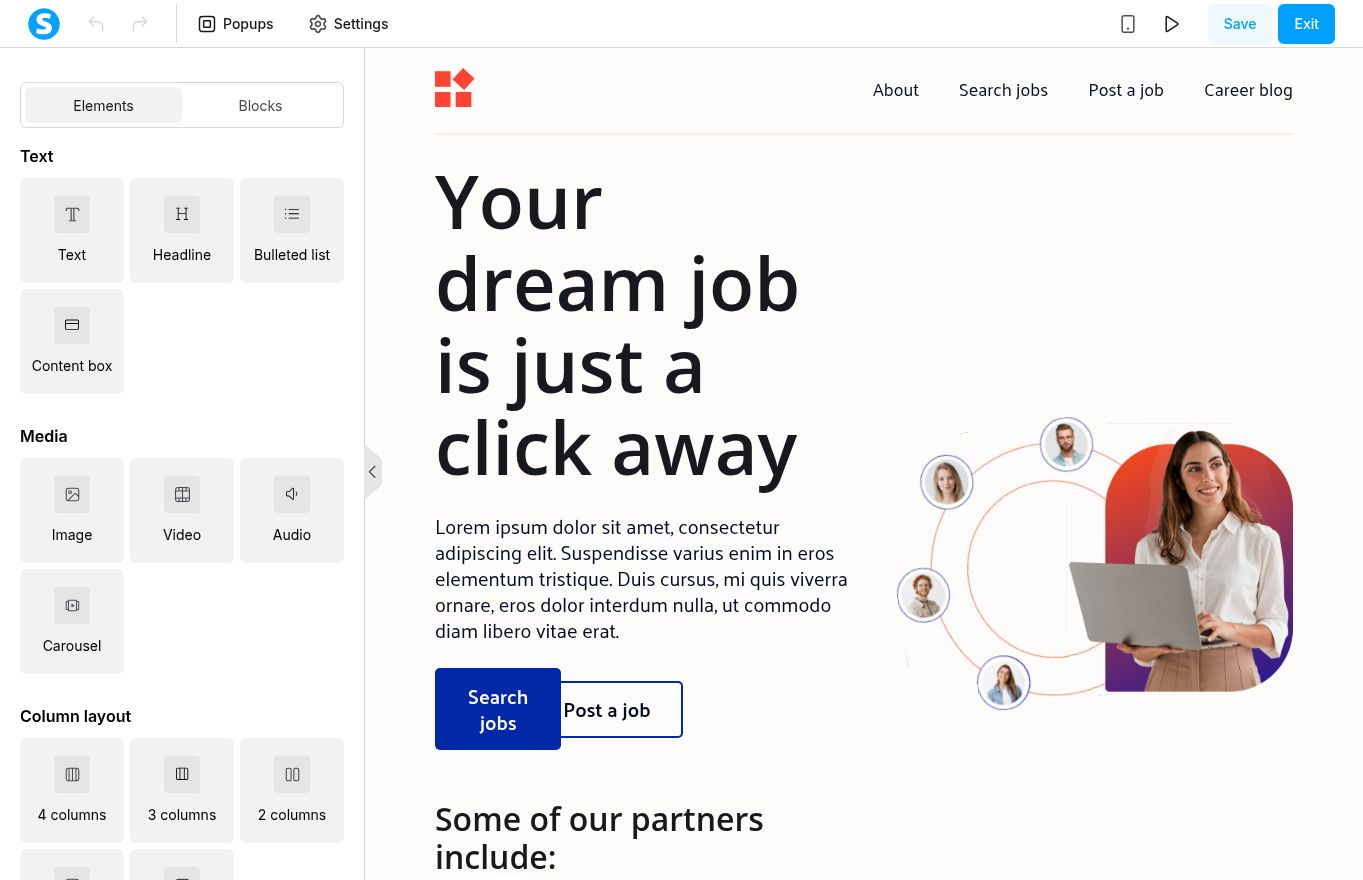
2. Build the page around one action
The page editor combines elements and reusable blocks. Keep the first page focused on one action and preview it at mobile width before using it with real traffic.
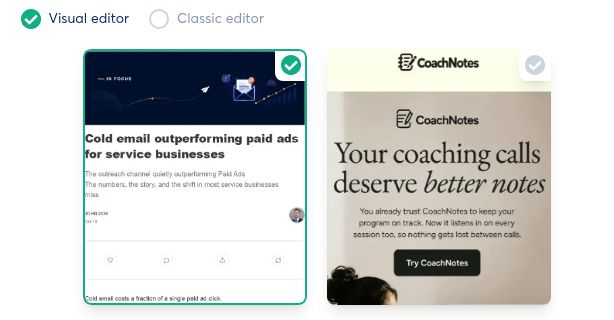
3. Choose an email editing mode
Select the visual editor when layout matters or the classic editor for a simpler message. Treat templates as starting structures and replace all sample brands, copy, links, and images before any send.
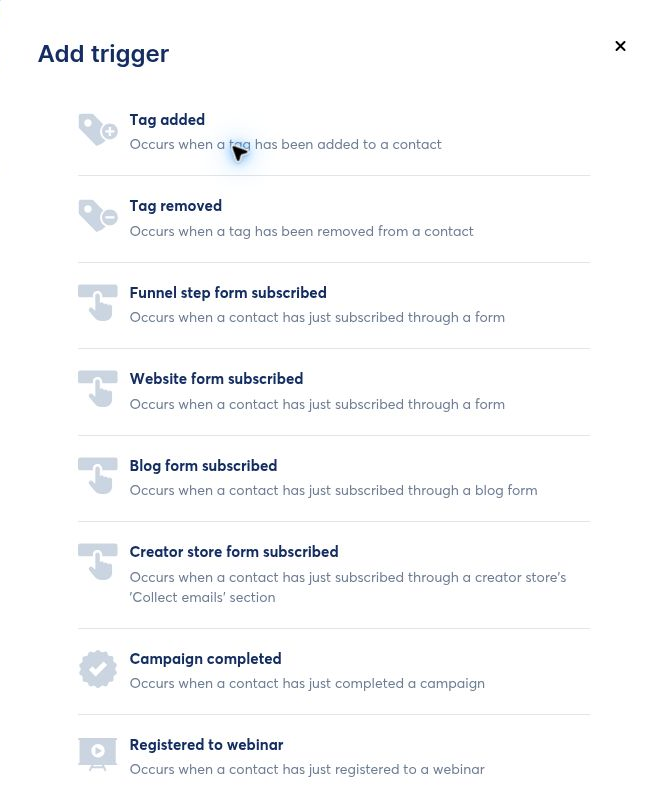
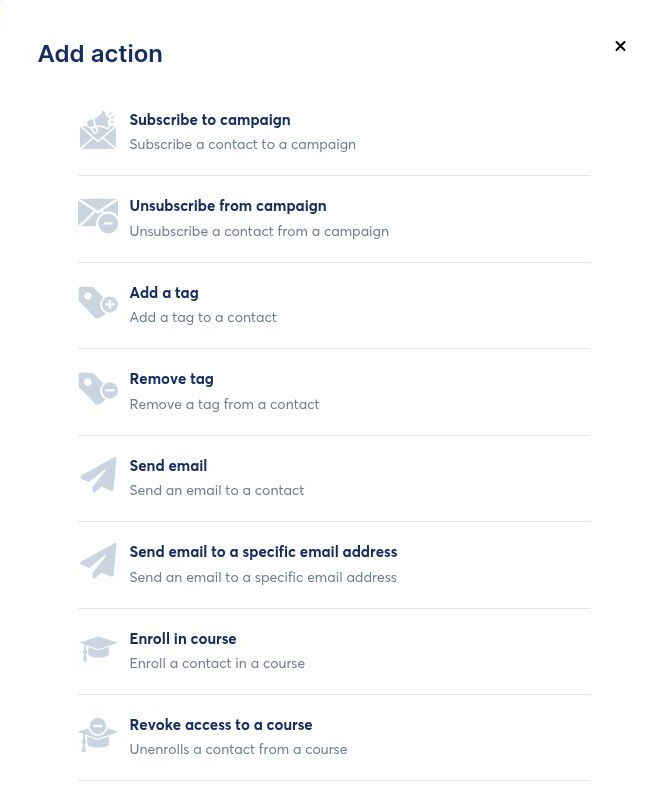
4. Spend the single free automation rule carefully
Choose the event that matters most, then the smallest useful action. For a first funnel, that may be a form subscription followed by adding a tag or subscribing the contact to a campaign.
Pros and limitations
What works
- One account covers the first funnel, page, email, and rule
- The visual editor makes the page structure visible
- Free limits encourage a small first experiment
What to watch
- Sample templates require careful cleanup
- The broad interface can invite scope creep
- Current automation allowances need account verification
Who this route fits—and who should skip it
You can test one offer end to end
You are comfortable keeping the first automation simple
You will verify consent, links, and mobile layout before any real send
You need a high-risk production migration
You want several workflows on the free tier
You need specialist functionality beyond an all-in-one starter stack
Ready to explore systeme.io?
Link disclosure: We may earn a commission if you sign up or upgrade through this link. This commercial relationship does not determine our assessment.
Create a free account on the official systeme.io siteCheck the current plan terms before creating an account or choosing a paid subscription.
Sources and scope
Assessment of English UI captures supplied for this project, reviewed on September 6, 2026. A visible control establishes interface availability, not completed end-to-end performance. Screenshots were reviewed for visible names, email addresses, account identifiers, domains, and other account-specific information before use.
- systeme.io official homepage
- systeme.io Help Pages
- The Software Edit methodology
- Editorial policy and corrections
- systeme.io Pricing: Free, Startup, Webinar, and Unlimited
- systeme.io Free Plan: Limits, Strengths, and Upgrade Triggers
Editorial scope: no purchase, live campaign send, payment setup, domain publication, or external posting was performed for this guide.